




Best Sellers
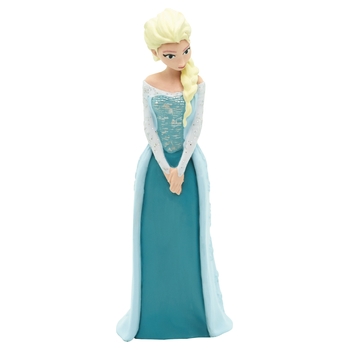
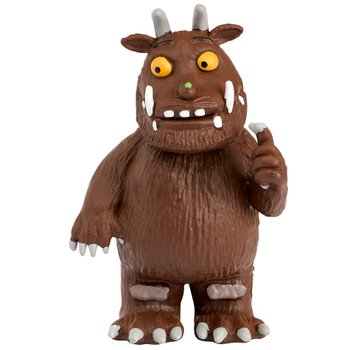
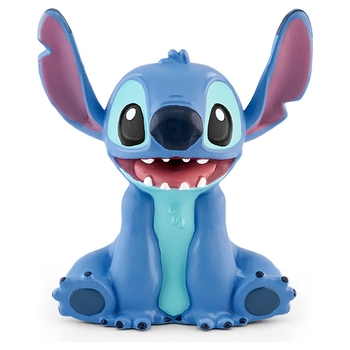
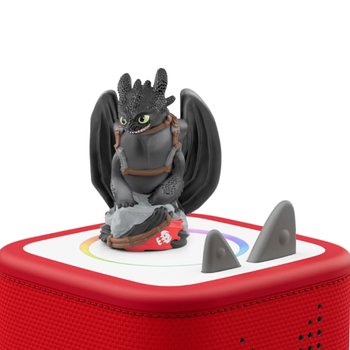
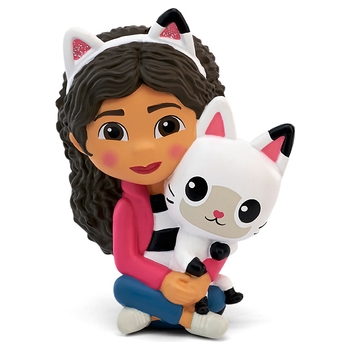
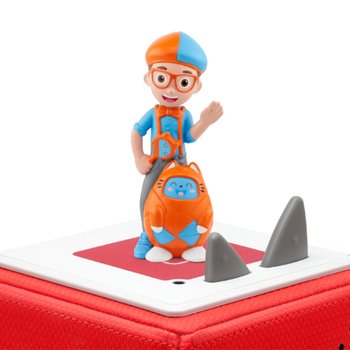
Tonies
Meet Toniebox 2 - the kid-powered audio player with stories, songs, games and more
Toniebox 2 is the safe, screen-free audio player for kids, made for listeners aged 1-9+ years.
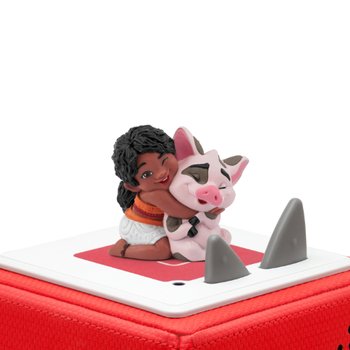
Designed to be intuitive, durable and full of fun, it gives children control over how they listen, play and learn. Just pop a Tonie or Tonieplay Game on top of the Toniebox 2 to unlock hours of songs, stories, games and adventures – no screens, mics, cameras or ads.
Robust and ready for (almost) anything
Toniebox 2 is built to withstand years of bumps and tumbles. It’s the perfect way to inspire independent, imaginative play, whether it’s time to learn something new, to wind down, go to sleep, or get creative.
More ways to play with Tonies and Tonieplay
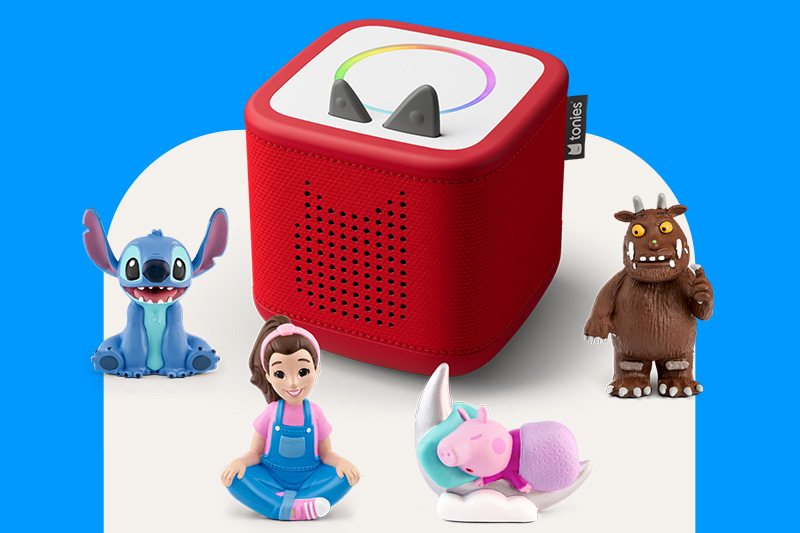
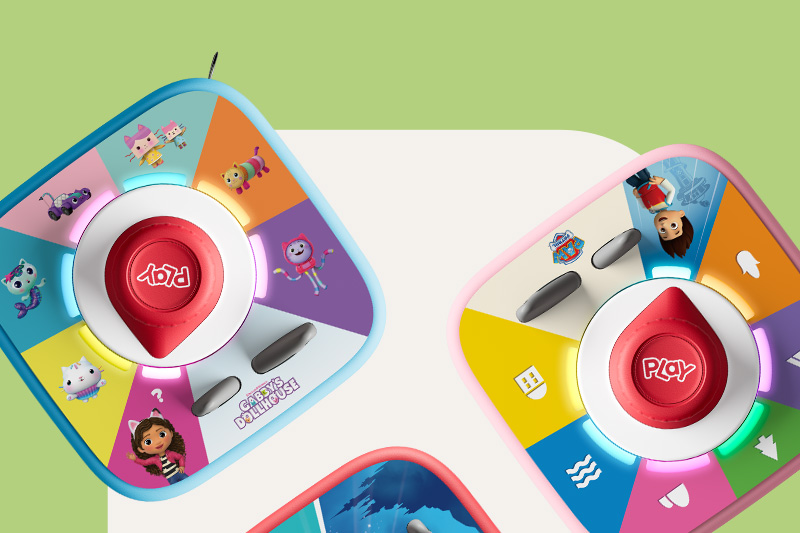
Kids can enjoy tales and tunes with their favourite Tonie characters or add Tonieplay Games for screen-free interactive audio games, quizzes and challenges they control using the Tonieplay Controller. Watch as the new dynamic Light Ring glows in rainbow colours and gives helpful light cues for immersive play.
With Tonieplay Games, kids can team up with friends and family or go solo as audio prompts guide players through stories, challenges and games from some of their favourite characters. There are hours and hours of fun to be had.
Loads of Tonies characters to choose from
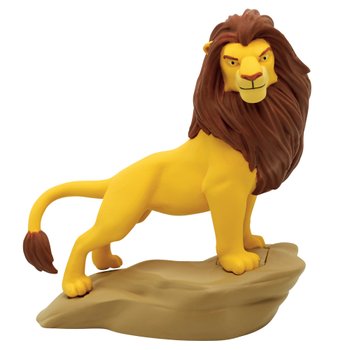
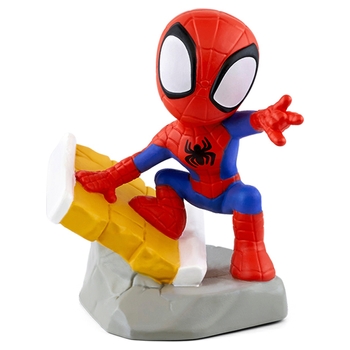
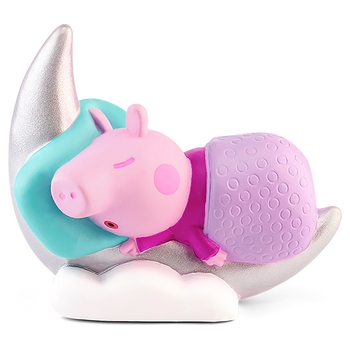
Explore the ever-growing crew of Tonies - from Disney classics and preschool favourites to Sleepy Friends that help wind down busy little minds. Whether it’s Peppa Pig or PAW Patrol at playtime, Julia Donaldson or Paddington at story time, or soothing sounds or lullabies at bedtime, there’s a Tonie for every moment.
Better bedtimes, made simple
Toniebox 2’s new smart bedtime features help families build healthy sleep habits, all easily managed in the tonies app.
Explore new looks with Toniebox 2 Sleeves
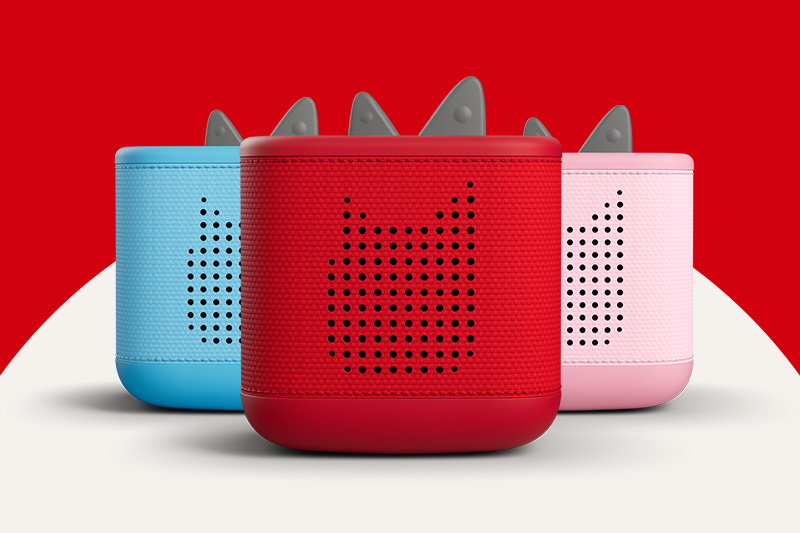
With a range of bold patterns and favourite character designs to choose from, kids can show off their style and personalise their Toniebox 2 with the new collection of sleeves. They’re easy to slip on, keep the sound clear, and give their Toniebox 2 a look that is all their own.
tonies. Where will listening take you?
So, how does it work?
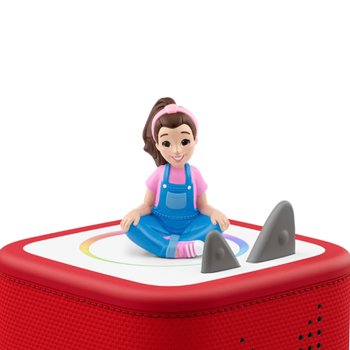
Using the Toniebox is easy-peasy lemon-squeezy. Little hands pick a Tonie character. Pop it on the box. And listen to all of their favourite songs and stories.
Happy kids
They’re the boss
– Kids just pop, tap, tilt and squeeze to control the story all by themselves.
Soft and squishable
– Soft enough for snuggle-time, strong enough for bumps and tumbles.
All their favourite characters
– Watch little faces light up as best-loved characters tell them a story or sing them a song.
Happy parents
Tumble-proof
– The Toniebox is one tough little box. It’s build to survive bumps and tumbles so it can keep kids entertained for years and years.
Screen-free fun
– The Toniebox was designed by parents to keep little ones entertained, no screen in sight.
Rock the routine
- From wake up to wind down, and all the tumbles in between, the Toniebox helps keep your routine on track.
Happy listening
Buy Tonies and Toniebox Characters online and in-store at Smyths Toys Superstores! Tonies are a great way to keep little ones occupied, and we’ve got a truly remarkable selection. If you’ve ever wondered where to buy Tonies, look no further than your local Smyths Toys Superstore!
What are Tonies?
Tonies are a screen-free entertainment system, designed for children. This audio system provides hours of entertainment via music and storytelling – all in one Toniebox. For a more parent-friendly experience, plug headphones into the Toniebox via the headphone jack.
How to skip Tonies?
With Tonies, you can skip songs and stories by tapping on either side of the Toniebox. However, please note that the Tonie content must be completely downloaded before attempting to skip audio clips.
How to fast forward Tonies?
There are two ways to fast-forward or rewind Tonies. To use the Toniebox, simply tap the left side of the box to rewind, or the right side of the box to fast-forward or skip. Parents can also set up a 'fast-forward' or 'skip' feature via the mytonies mobile phone app.